Implant Size Simulator
See Breast Implant Sizes on Your Own Body
Upload a photo and slide from subtle to fuller to find the look you want, before you choose a size with your surgeon.
Upload a photo, or try a model belowDrop a photo here, or try a model below
Surgeon? This simulator turns your website visitors into patient leads, exactly like this page.
Book 15 minutes →Real Breast Augmentation Simulations
AI-generated visualizations created with ClinicOS. Results are for illustration purposes only.
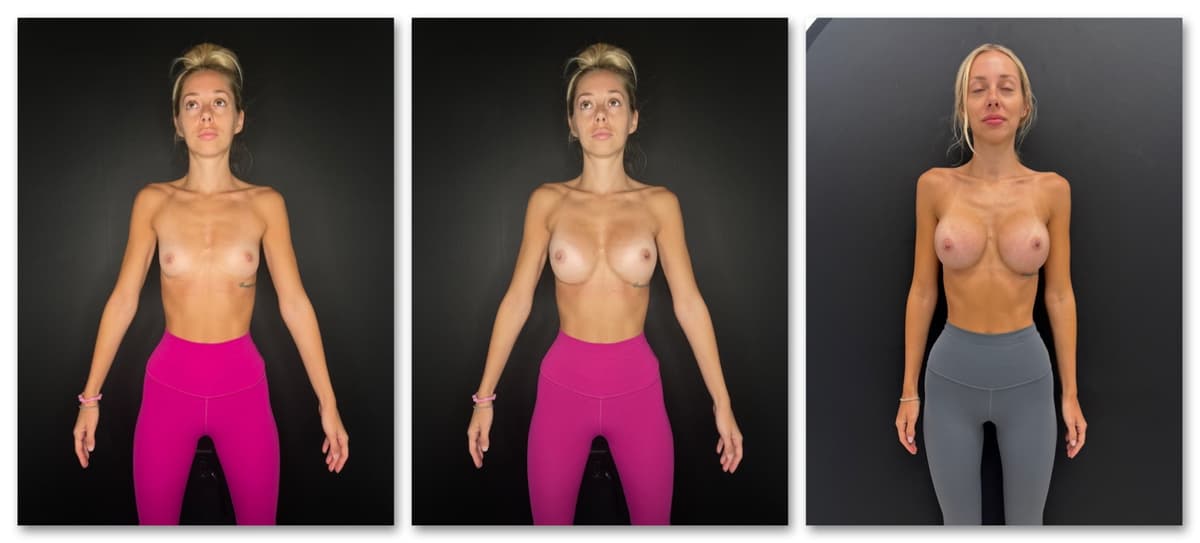
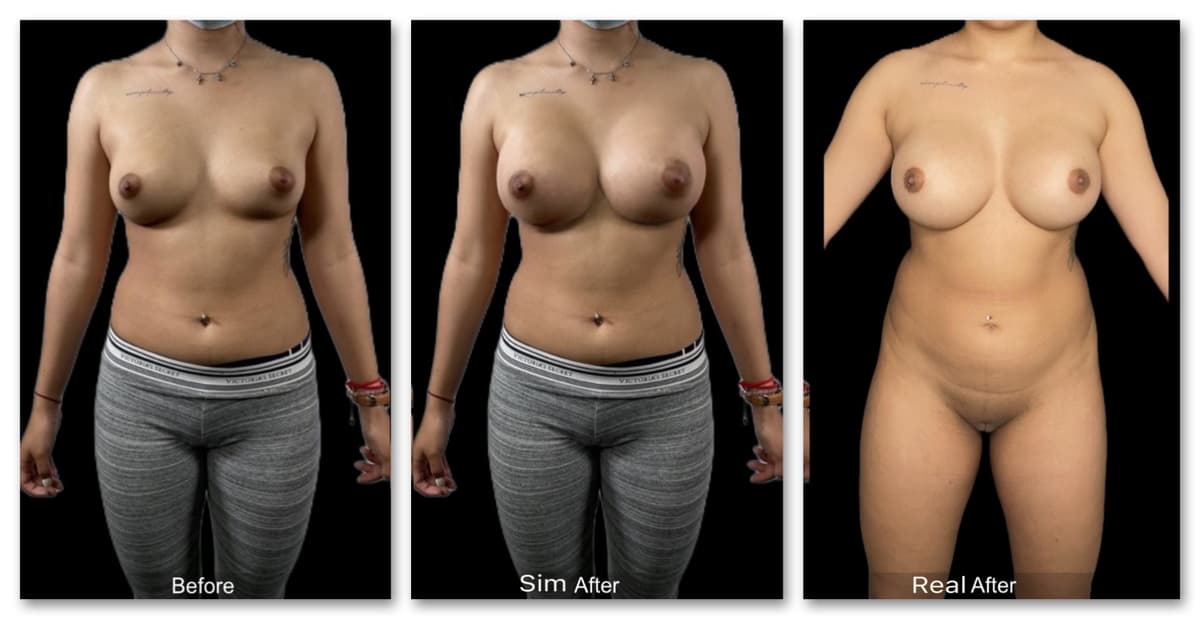
How the Size Simulator Works
1. Upload a photo
A front-facing torso photo from your phone. It stays private and is only used for your simulation.
2. Slide from subtle to fuller
The result slider shows a range of sizes on your frame, so you can compare looks in seconds.
3. Bring it to your consult
Show your surgeon the look you like. They match it to an implant size, profile and placement for your body.
Frequently Asked Questions
Can I choose exact sizes like 300cc vs 400cc?
Not yet. The simulator shows a range from subtle to fuller rather than exact cc volumes. Pick the look you like, and your surgeon translates it into a cc size for your chest width and tissue.
How do I know which implant size is right for me?
Your chest width, skin and breast tissue decide what fits. The simulation gives you and your surgeon a shared picture of the look you want; your surgeon turns that into a size, often with sizers during the consult.
What photo works best?
A front-facing photo of your torso in good light, in fitted clothing or none.
Is it free and private?
Yes. The simulation is free, and your photo is only used to create it.
How long does it take?
About 30 seconds from upload to result.
Set realistic expectations. Close more breast augmentation consults.
Download ClinicOS free and try it on your next consultation. Patients leave aligned on the plan and ready to book.