AI Breast Enlarger
See Bigger Breasts on Your Own Photo, Free
Pick a size, upload a photo of yourself, and the AI shows a realistic enlargement on your own body in about 30 seconds. Free, no account, no watermark on your result, and your photo stays private. For adults, using their own photo.
Upload a photo, or try a model belowDrop a photo here, or try a model below
Surgeon? This simulator turns your website visitors into patient leads, exactly like this page.
Book 15 minutes →Real Breast Augmentation Simulations
AI-generated visualizations created with ClinicOS. Results are for illustration purposes only.
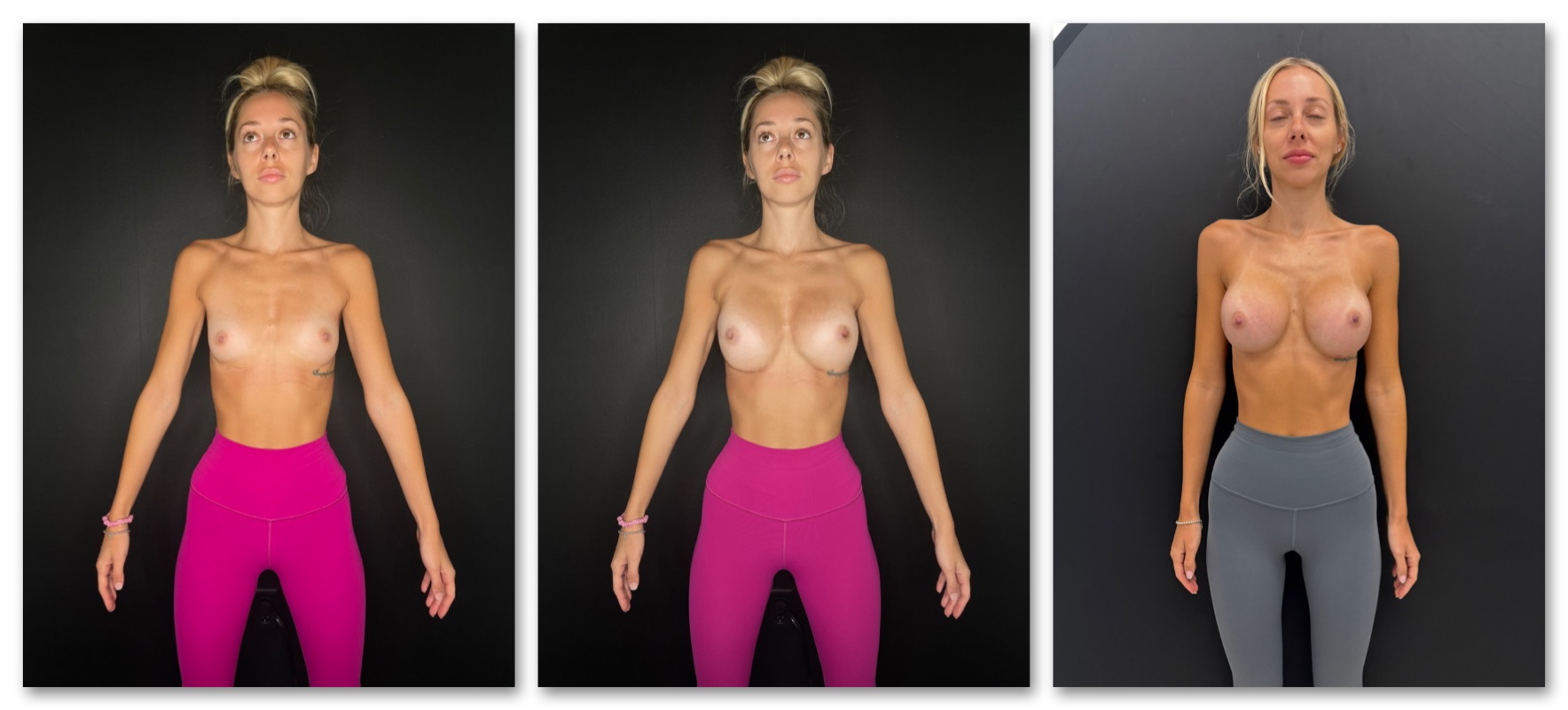
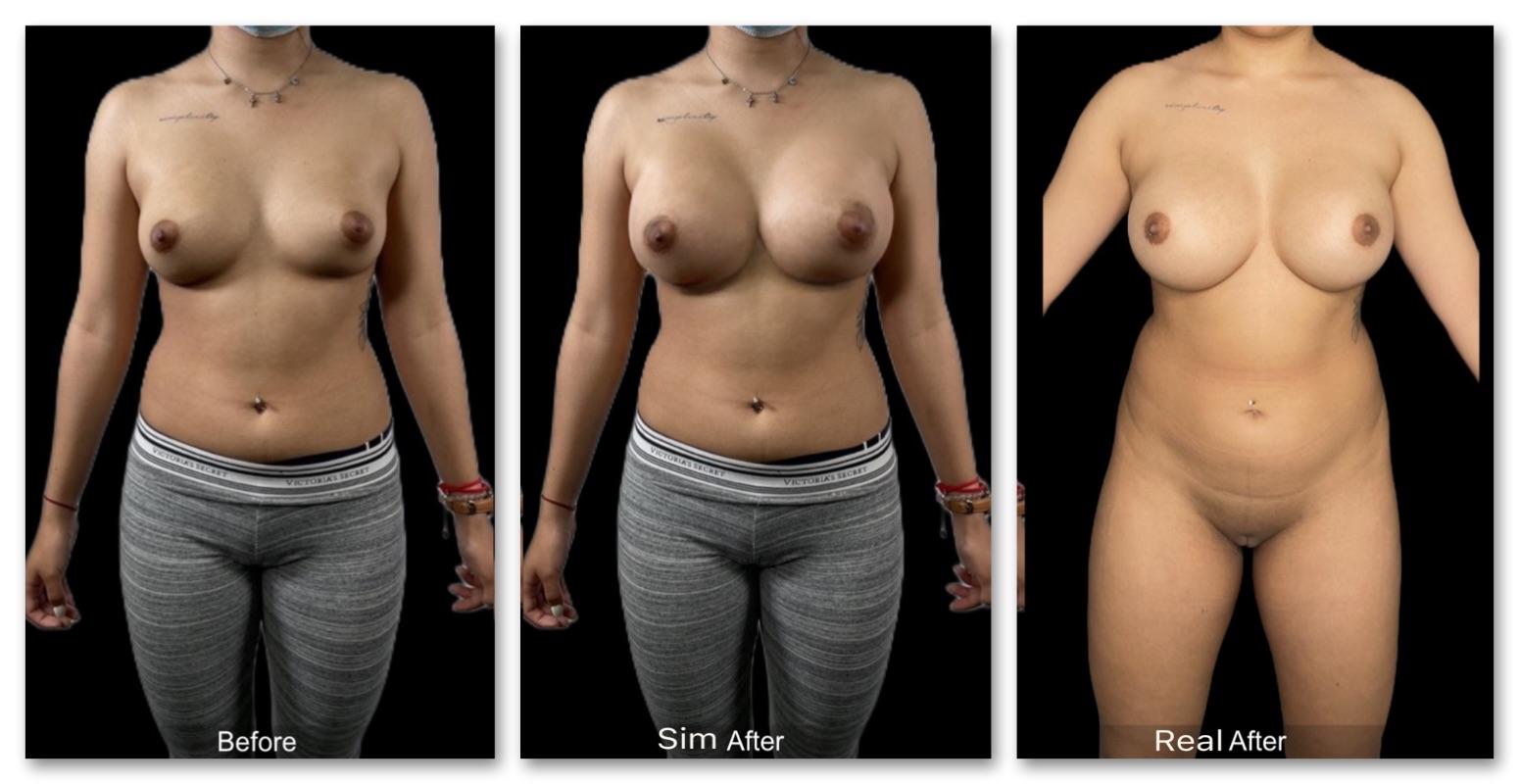
How the AI Breast Enlarger Works
1. Pick a size and upload
Subtle, natural or fuller. Then a front-facing torso photo of you, taken with your phone. It stays private and is only used to create your result.
2. See your result
In about 30 seconds the AI shows a realistic enlargement on your own body, and the slider moves from subtle to fuller so you can compare.
3. Keep it, or take it further
Save your result with no watermark. If you are thinking about surgery, the breast augmentation simulator adds implant sizes and a surgeon's view.
Frequently Asked QuestionsBreast augmentation simulator: implant sizes and a surgeon's view, before surgery →Breast implant sizes: see which size suits your frame →Breast lift simulator: see a lift on your own photo →See every plastic surgery simulator →
Is the AI breast enlarger free?
Yes. You see your result for free, with no account and no watermark on it.
Is this a boob simulator or a breast expansion AI?
It does what those names promise: upload a photo of yourself and see your bust larger, realistically, on your own body. The difference is that the AI is trained on real surgical results, so the change looks like you, not a stretched picture.
Can I use someone else's photo?
No. The enlarger is for adults using a photo of themselves, so you confirm the photo is of you and that you are 18 or older. Photos of anyone else are not allowed.
Can I see different sizes?
Yes. Pick the size you want to see first, then move the slider from a subtle change to a fuller one and compare the looks.
How realistic is the result?
The AI is trained on real surgical results, but it is an illustration, not a promise. If you ever have surgery, your real result depends on your anatomy, the implant and your surgeon.
Is there a watermark or a sign-up?
No watermark on your result and no account. You leave a phone number or email to open it, and that is all.
What happens to my photo?
It is only used to create your simulation and is never published. If you ask us to introduce you to a clinic, we share it only with that clinic.
Thinking about surgery?
The breast augmentation simulator uses the same AI with implant sizes, cost questions and the option to be introduced to one clinic near you.
Set realistic expectations. Close more breast augmentation consults.
Download ClinicOS free and try it on your next consultation. Patients leave aligned on the plan and ready to book.